# Event editor
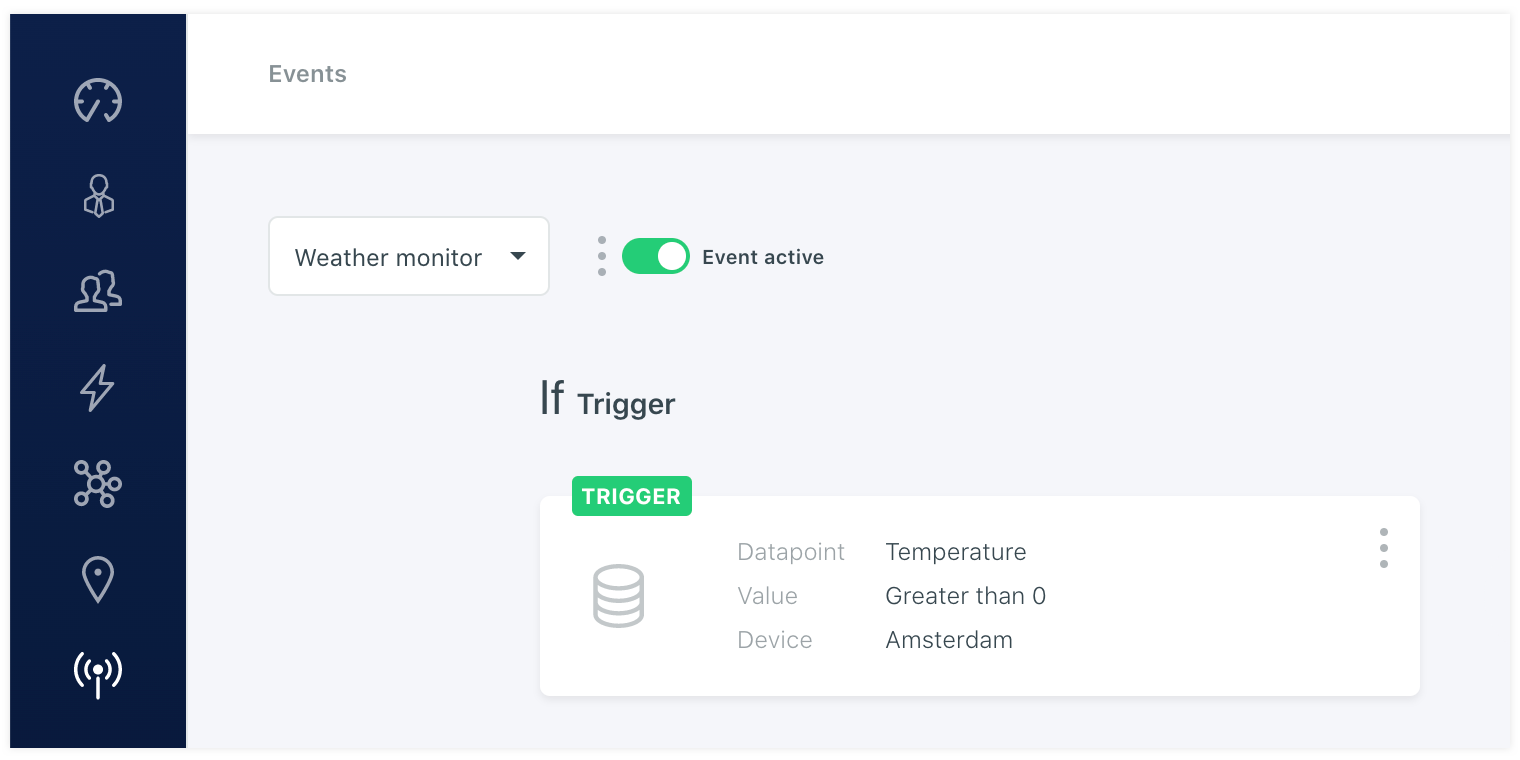
The Blackpoint platform offers an event editor that can analyse the incoming data and generates actions based on the setup thresholds and conditions. For example trigger an event when a data point sending temperature is getting to high in a machine. Or when an machine has run a certain amount of hours so it requires a maintanance checkup.
# Trigger
The event starts always with a trigger. This has to be a data point and can be set globally over all devices, of one certain device.
# Condition
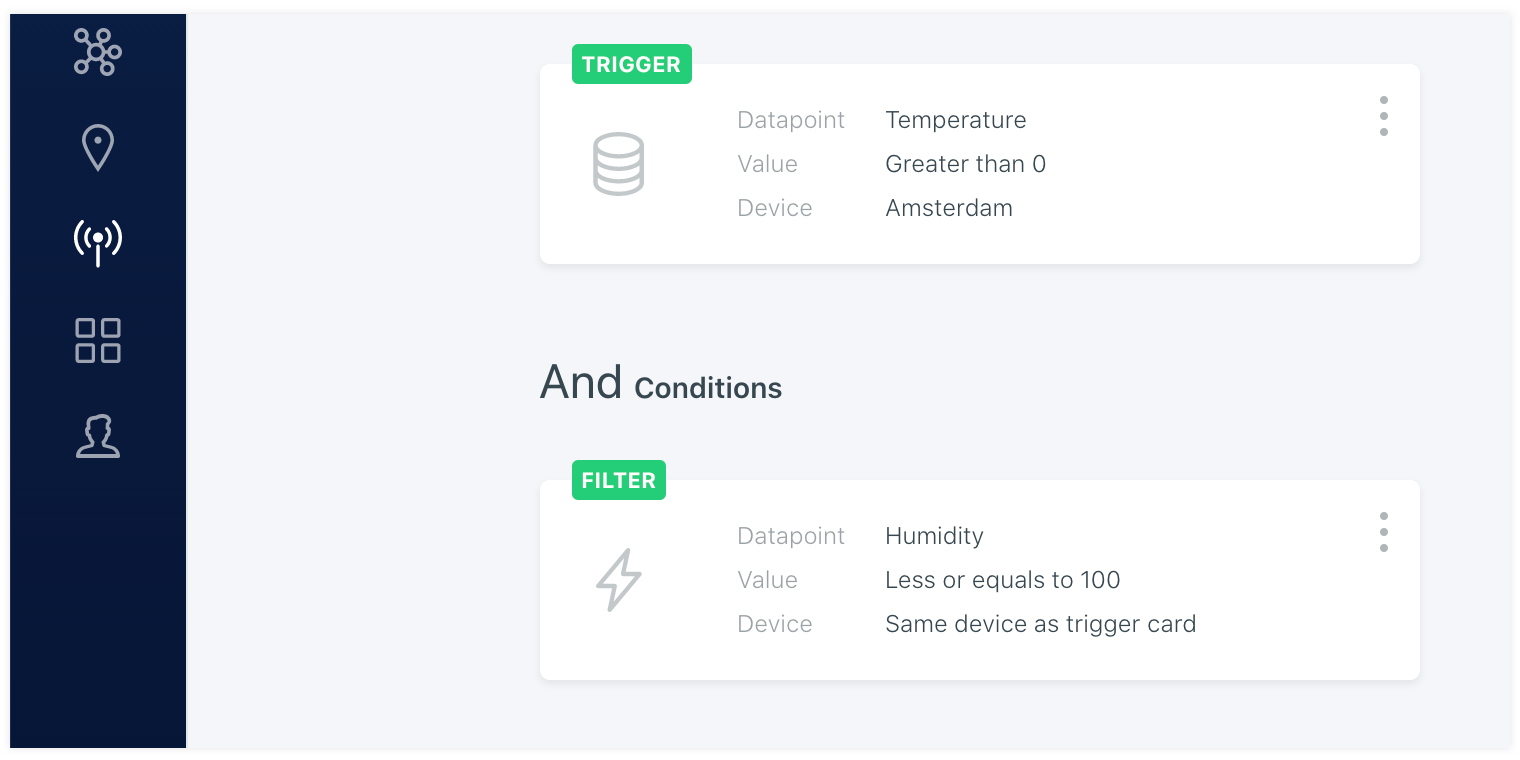
Besides the trigger you can setup extra conditions that the event needs to take into account before handeling the actions. This can be a secondairy data point of the same of a different device.
# Action
When the conditions and the trigger values meet the setup threshold settings in the event. The event will continue to handel the actions. There are currently 3 type of action cards in the platfrom. These are Notifications, Slack channel messages and Webhooks.
Notification
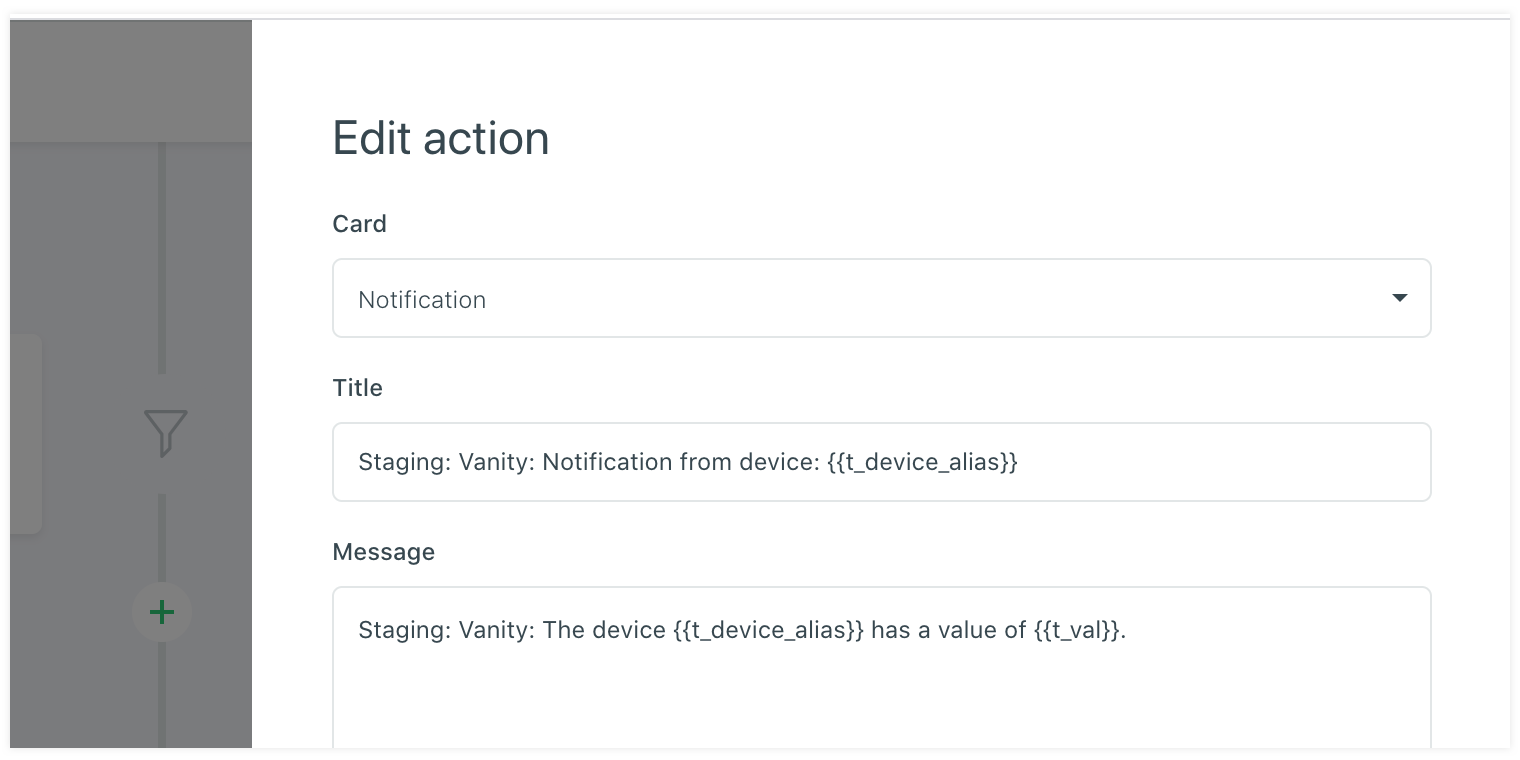
First of all the notification card. This is an action that will send all the users in the system or selected users an notification message on the channels they have activated on the notification agent page on the account. If none is selected then the notification will only be send to the notification center.
Slack channel
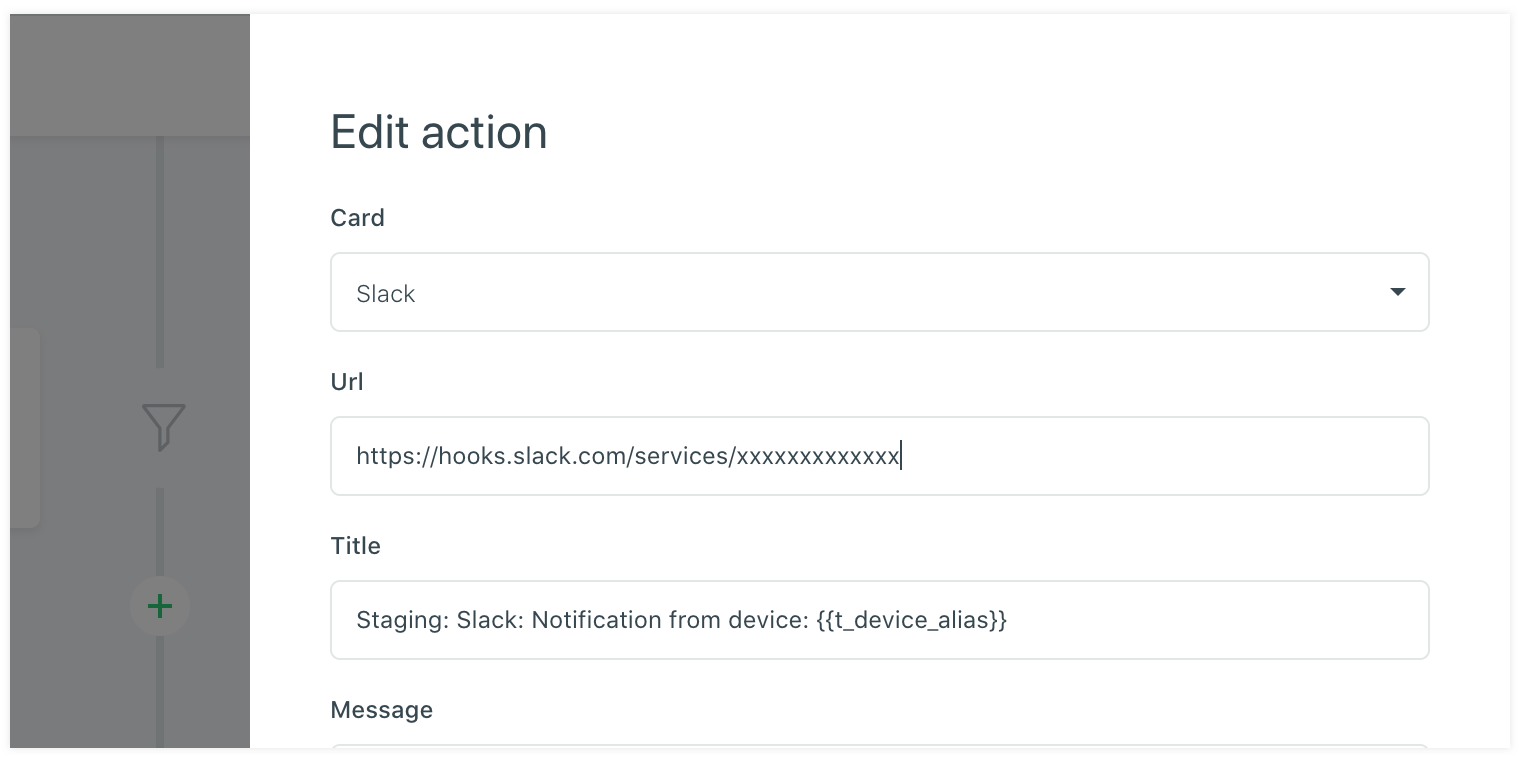
An other action card that is available in the platform is the sSlack channel message card. This action card is not personal and can be setup to send a message to a public or private channnel. It uses the webhook url that is availble within a Slack app for the Slack channel message.
Webhook
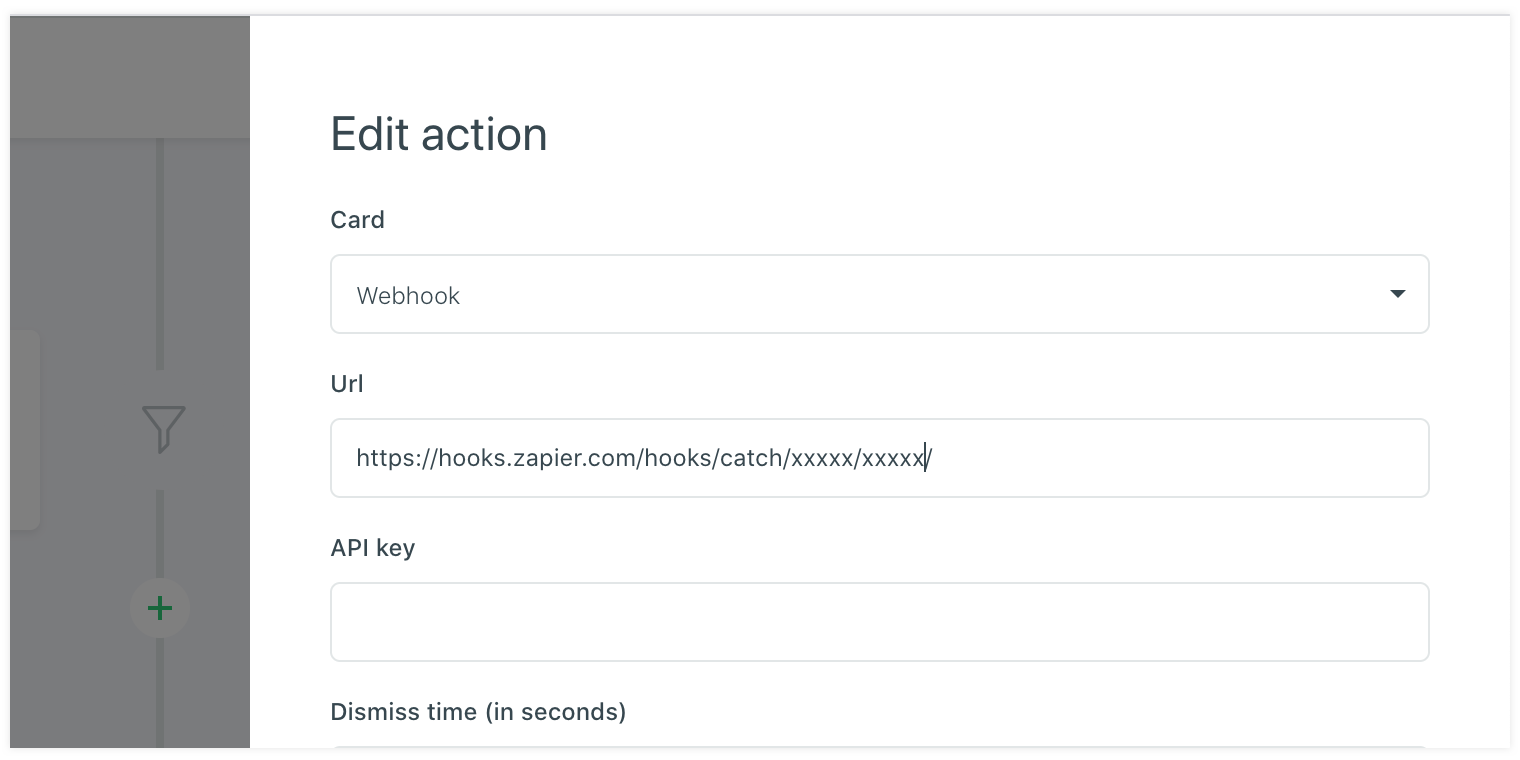
The last available action card is the webhook. This can be helpfull to send the data to another platform or service. This can be a service that handles a certain workflow or notification service.