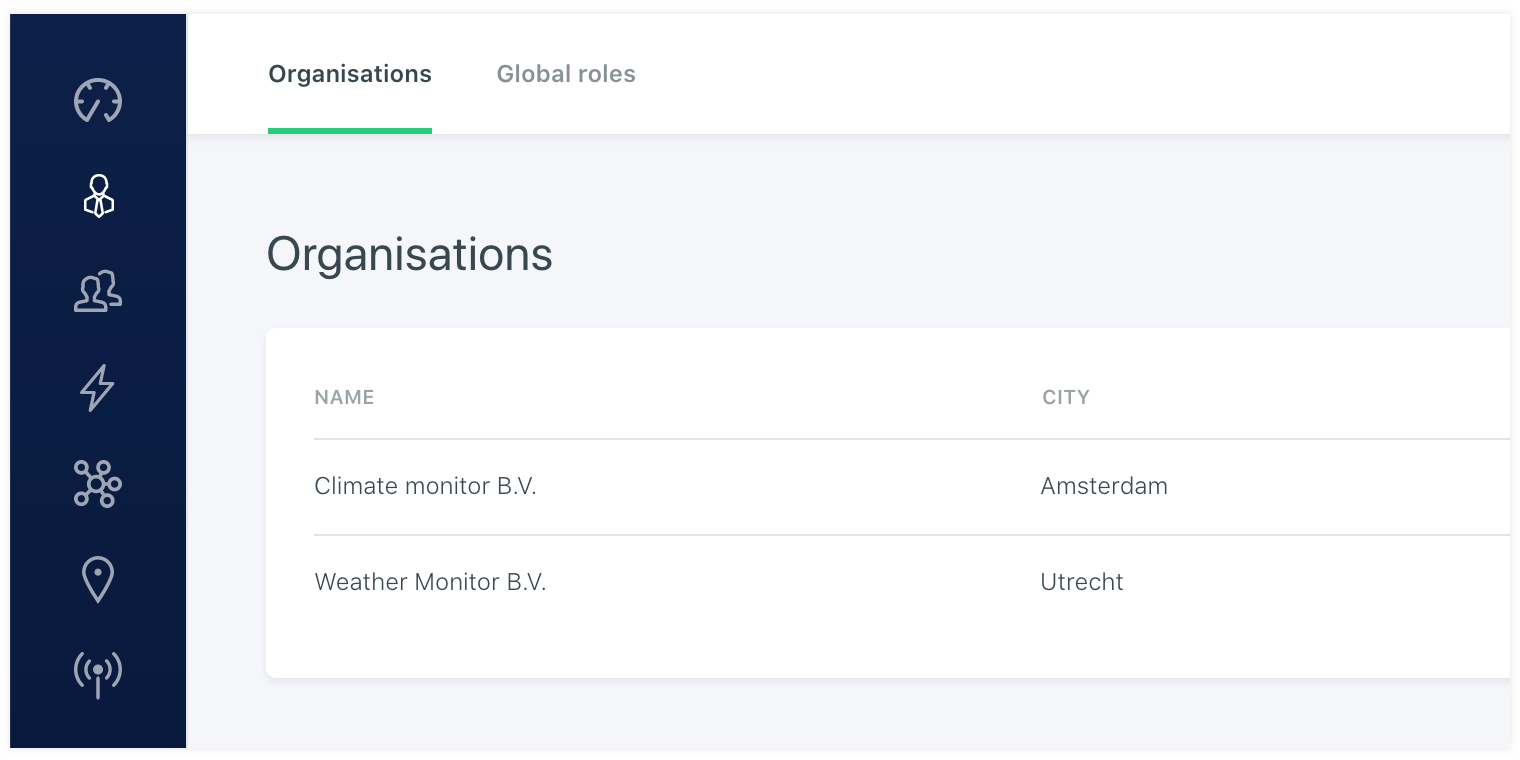
# Organisations
Under the main organisation navigation you will find the organisations assigned in the platform. The admin is able to add new organisations and will be able to login under the sub organisation. An organisation is a way to make a shop in shop in the platform. It has a standalone environment under the main vanity account. It has its own users and user groups. Besides that it has assigned devices and datapoints that are enherited from the main vanity organisation.
# Login
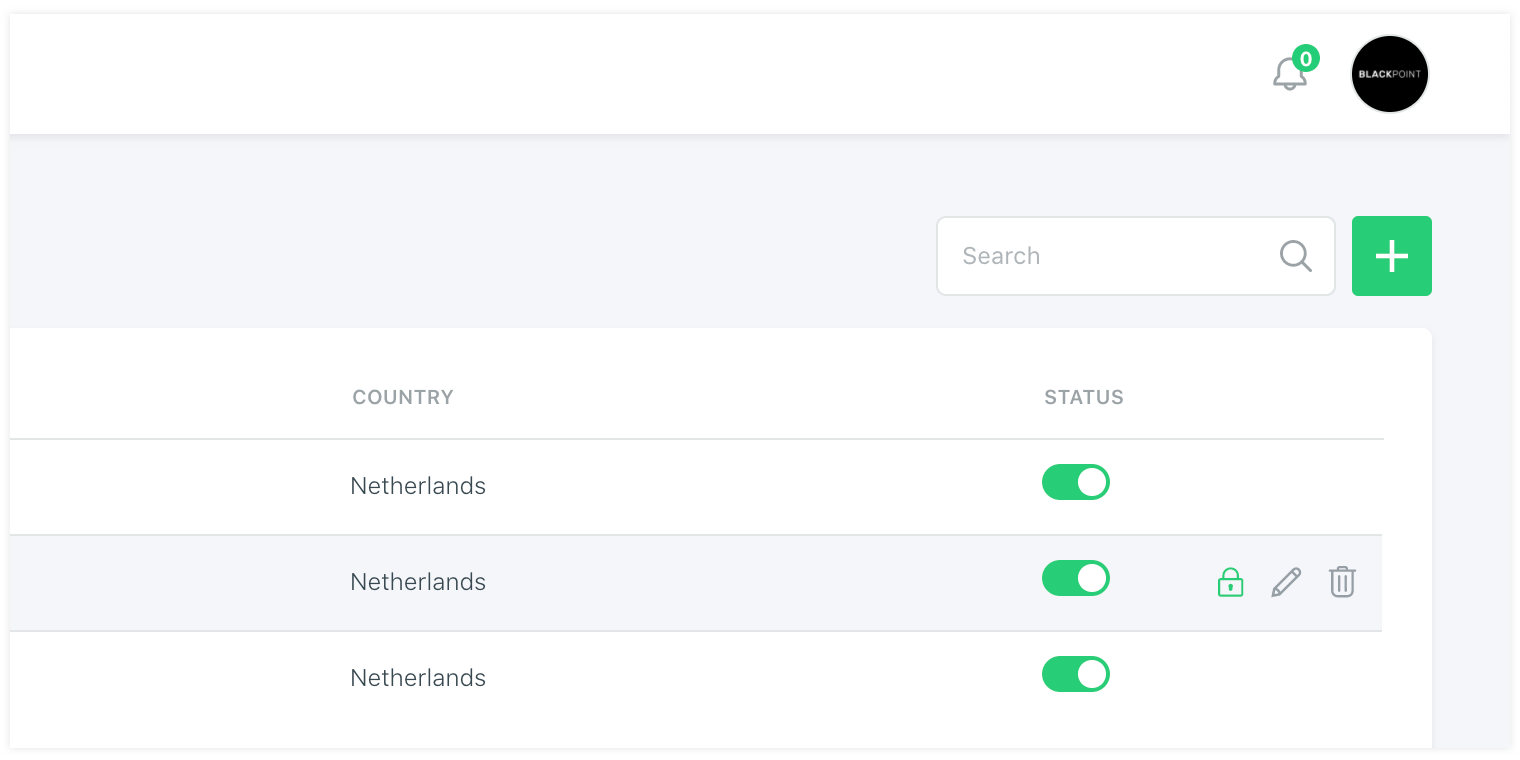
When an organisation is made you can click on it or click on the login button in the list. This will bring you to the organisation environment where you can see its assigned users, user groups, devices, datapoints and other entities that are assigned to this client.
# Logout
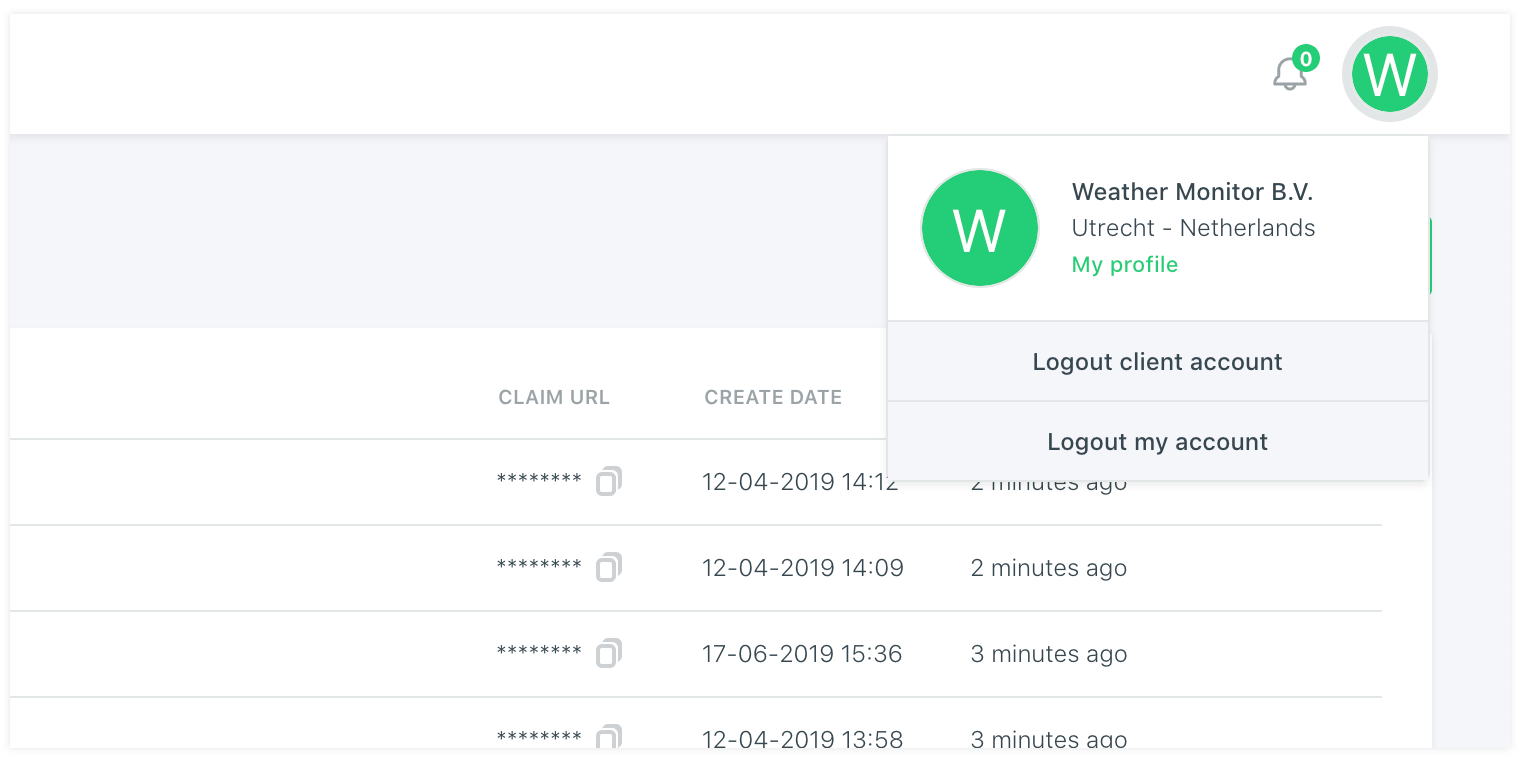
It is possible to log out with the account menu in the top right or using the breadcrumb menu. An organisation has some specially assigned entities like users and user groups and other entitites like devices and datapoints that are enherited from the main vanity account and are assigned to the organisation by an vanity organisation admin.
← Register Global roles →