# Global roles
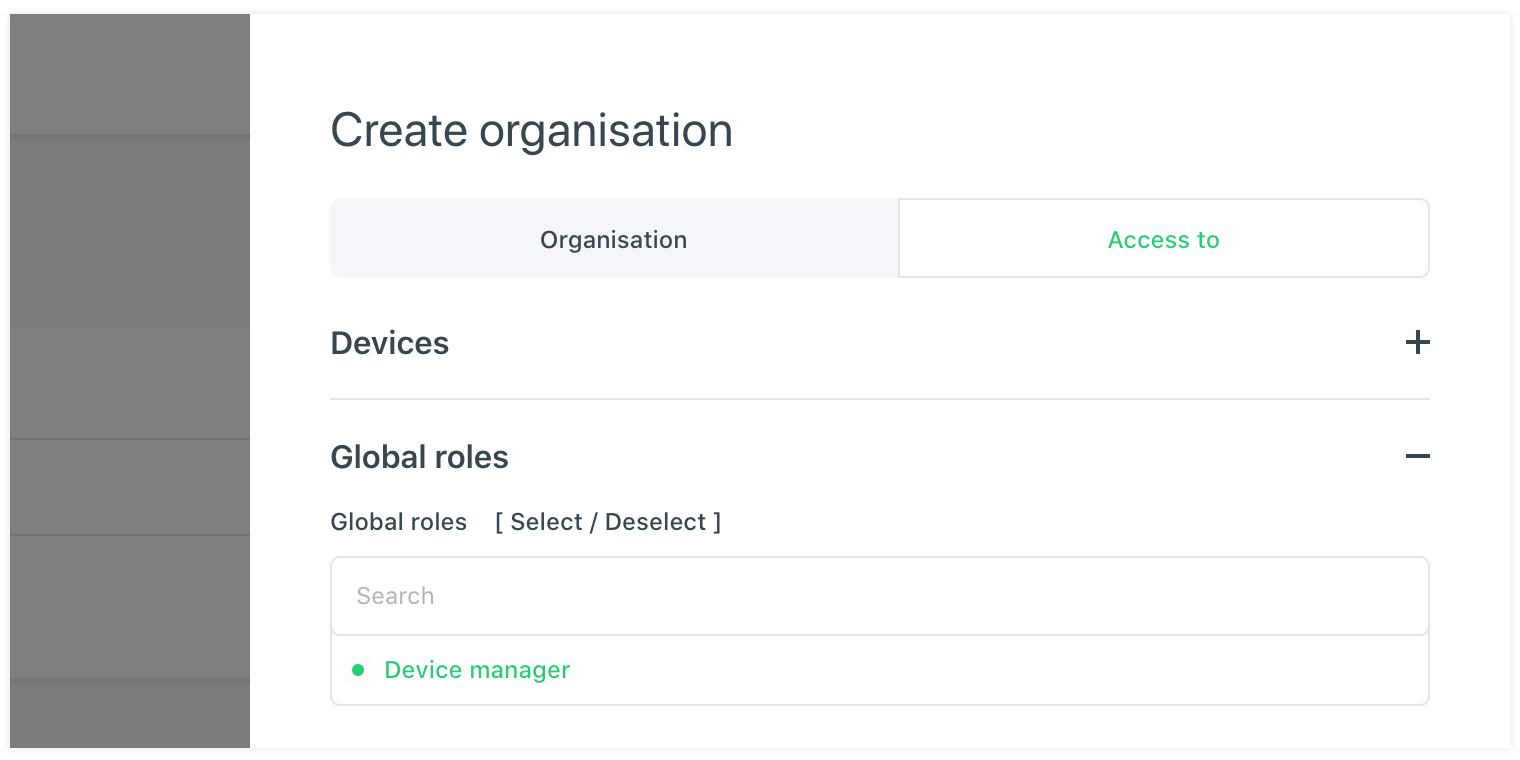
In case a main vanity account will need multiple organisations that need globally managed user groups that apply to all organisation then you are able to add a global user role. In this case you can setup a user group that will be assigned to a organisation and in case you change this role it will be changed for all of your organisations.
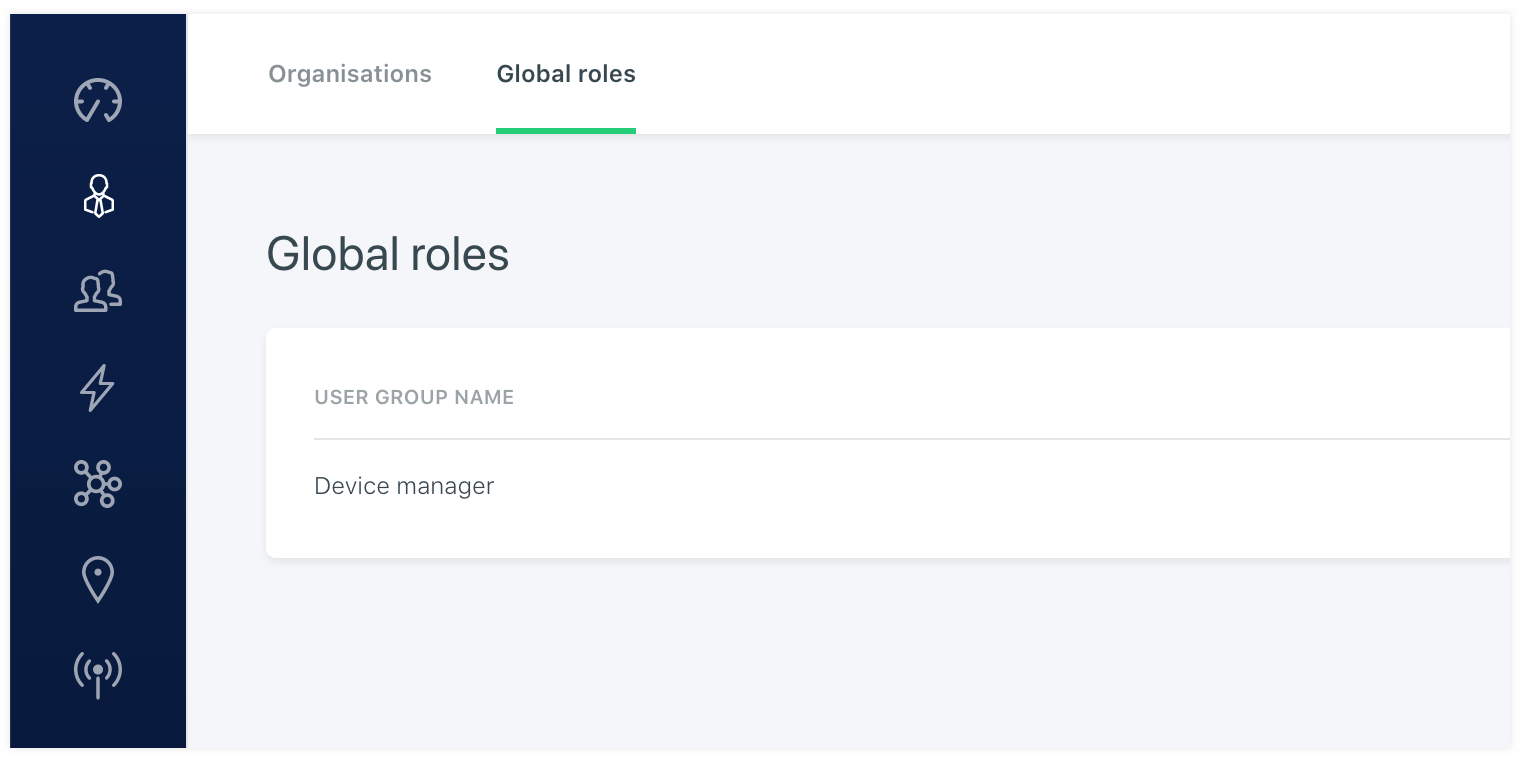
This way you can for example setup a role named Device manager and each organisation you make can have this role assigned. In case you need to make special user groups for an organisation, then you can login under the organisation and setup user groups specific for the currently logged in organisation. Those user groups belong to the organisation and will not be available globally over all organisations and cannot managed globally. So this is the difference between a global user group and a normal user group under an organisation.
← Organisations Users →