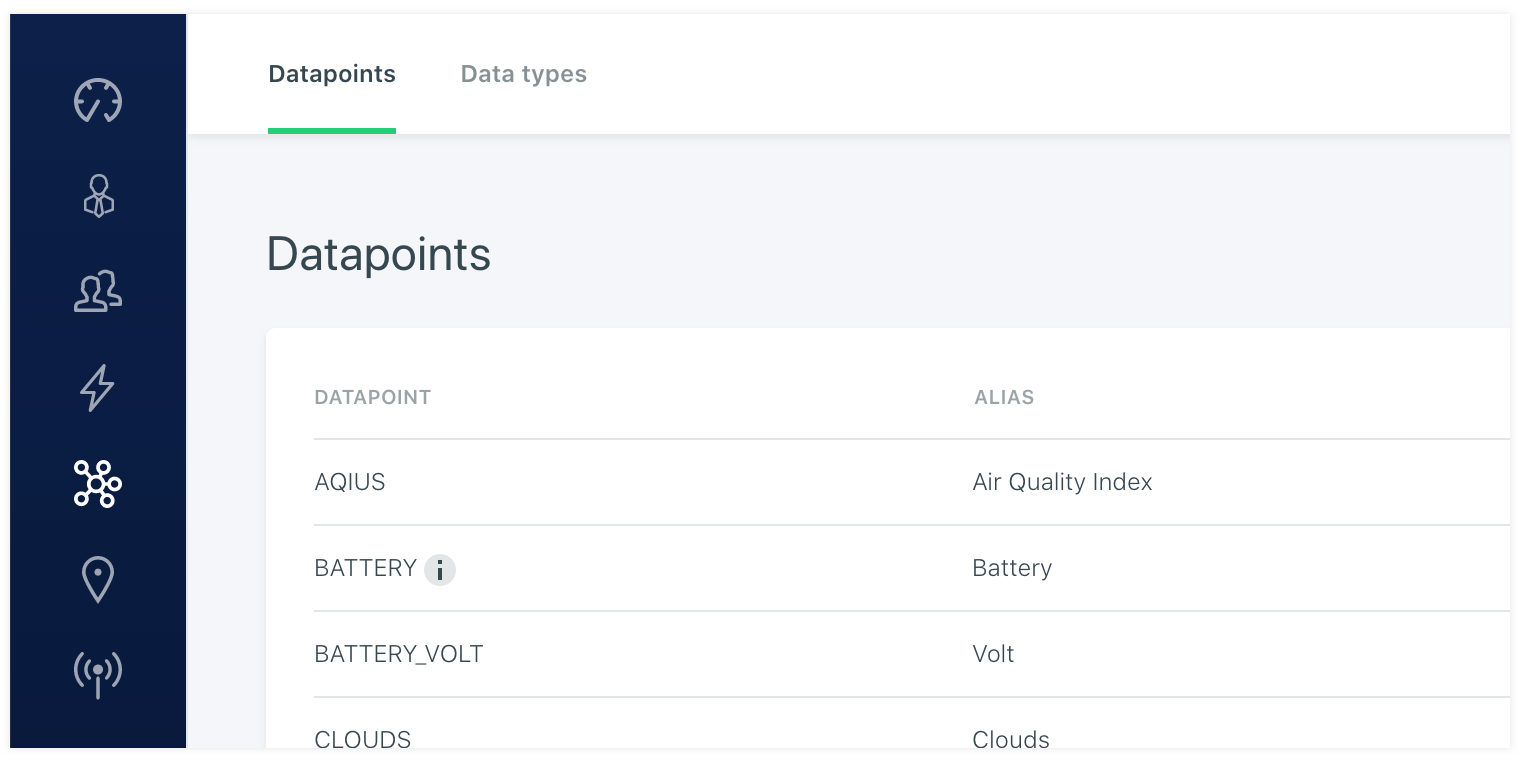
# Data points
Under the Data point navigation you find a list with all datapoints in the platform. These are data points that the platform received from a device. It can be all sorts of data with different attributes. But they have to be named unique. This can be a name or an UUID or and id. As long as the data point is unique. It is also possible to generate multiple datapoints of the same type.
For example: instead of adding temperature 1 and temperature 2 you are also able to send temperature with a reference number. This will then make it a uniqe datapoint but keep the same datapoint settings. You can think of the datatype celcius. This setup is then needed only one time and is extremely helpfull if you have alot of sensors of the same type and setup. Each data point can be given an alternative name like an alias. In case i send in a TEMPERATURE i can add an alias like Temperature roof to make it more descriptive. It is even possible to add an extended descriptions that will show in a tooltip. It is also handy in case you are using UUID or ID's to identify your data points.