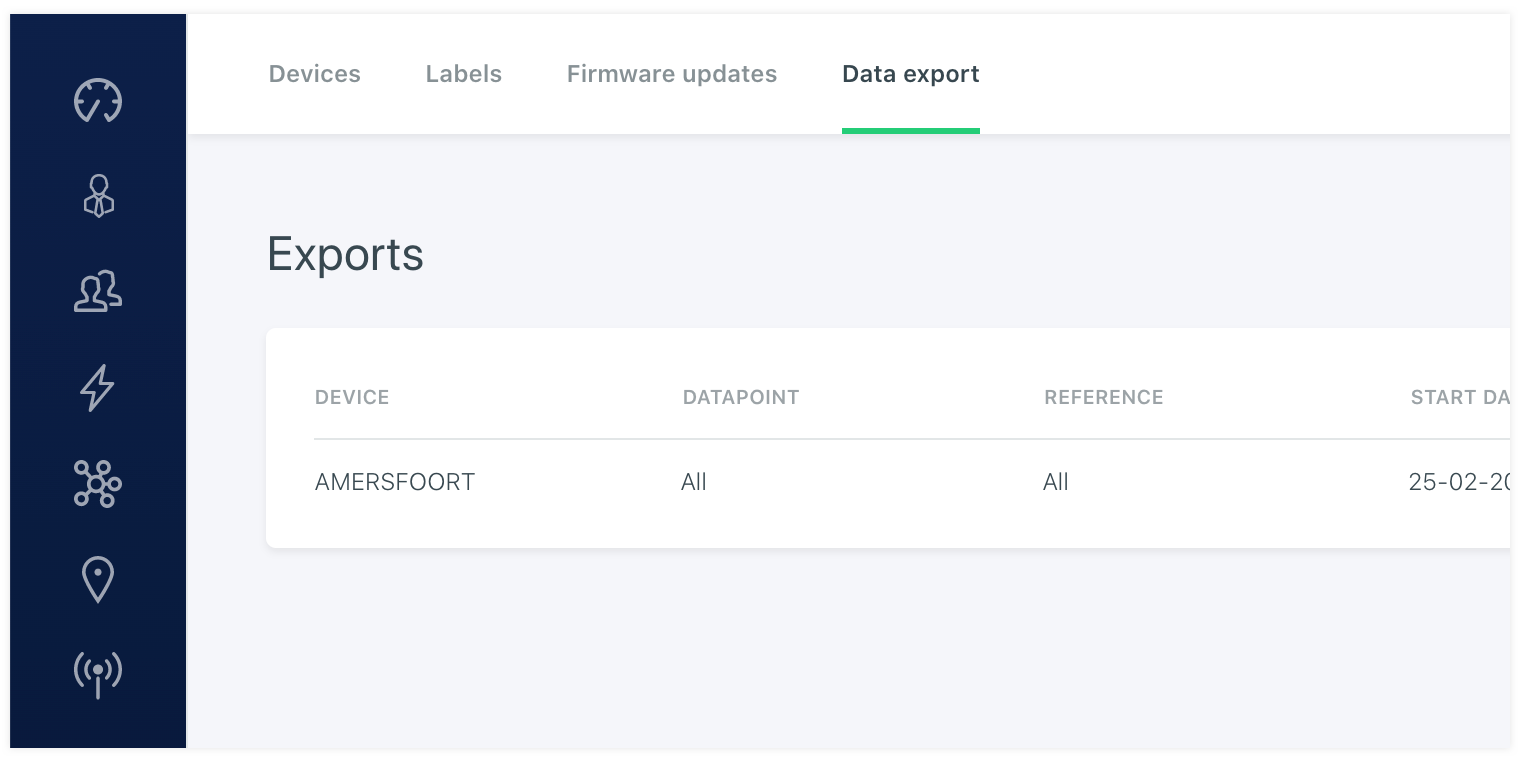
# Data export
As a user you are able to start an data export job. You can define for what device you want to export data. You can setup the time window by setting the start and stop date and time and you are able to setup the aggregation type. Like for example raw data or aggregated by hour, day or month. This is the same data that is projected in a chart on the dashboard. It is also possible to select one or all datapoints of a device. When the export is ready to be download it will show a download button with a finished status in the list.