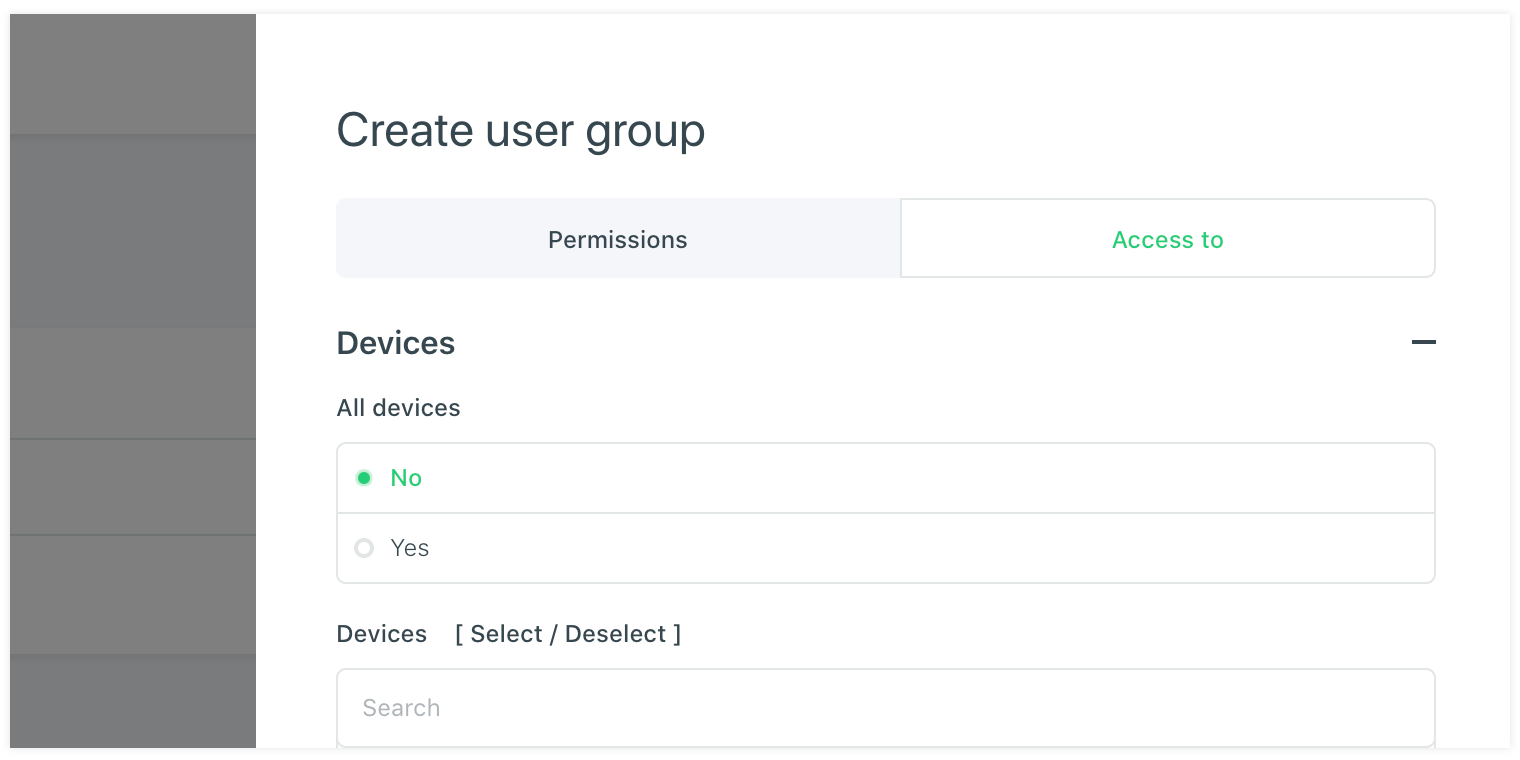
# User groups
The user groups always apply to the account you are in. This is the same as the users. So the user groups can apply to the top level vanity account, but also on the organisation account if you are logged in on the organisation (see breadcrump to see where you are). In case you want to reuse user groups for multiple clients you need to setup global roles. These can be found under the main organisation navigation. These global roles can only be made by a vanity account user and can be assigned when editing or adding a new organisation account.
# Assign permissions
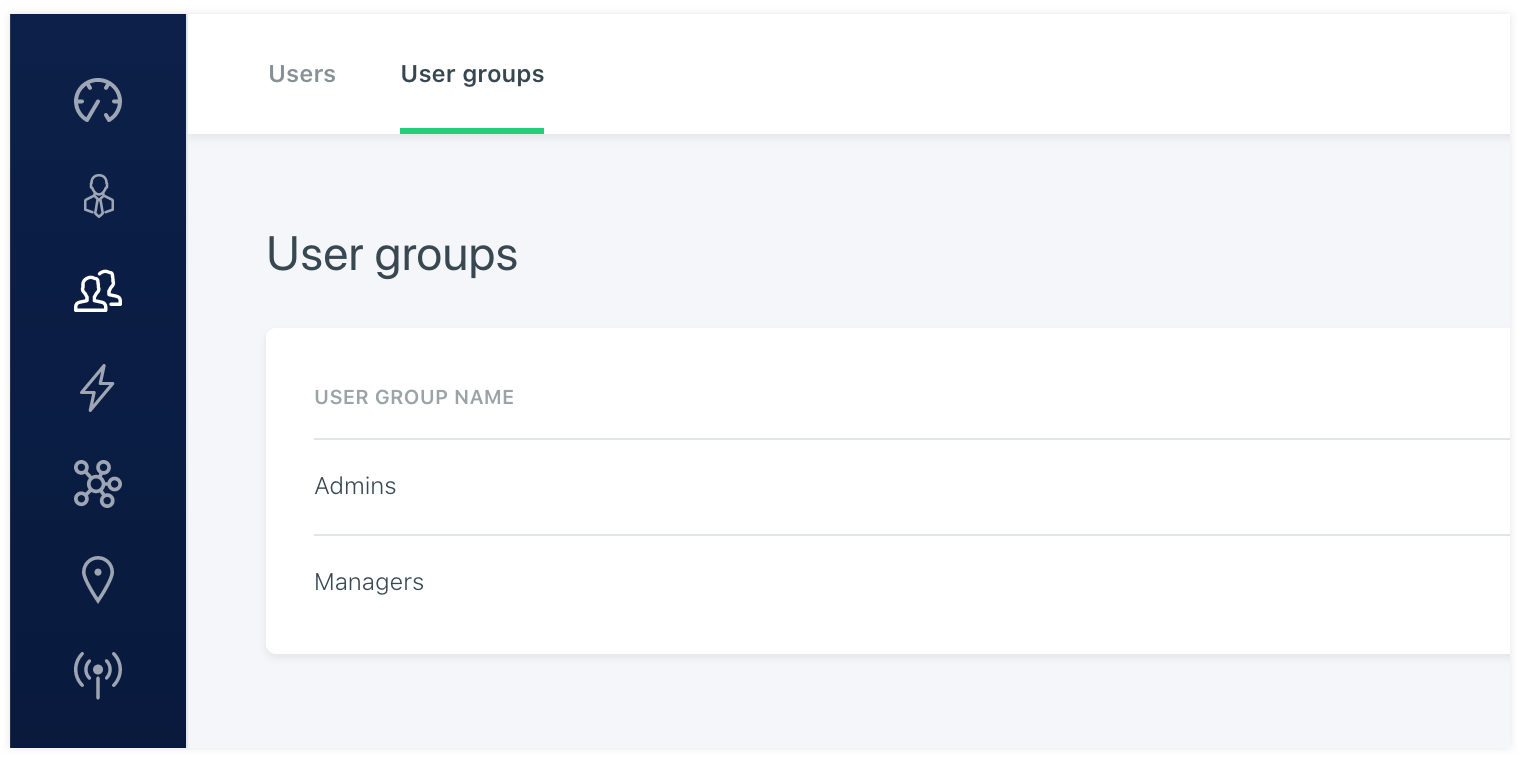
When adding a user group you need to setup the permissions of this user group. When adding a user group you will see a list with permissions in the system that can be setup. This list will grow larger when there are more modules added to the platform. These permission can be on overridden when adding a user. In case you want to use the user group permissions, but limit the user even further without the need to add another user group.
# Assign assets
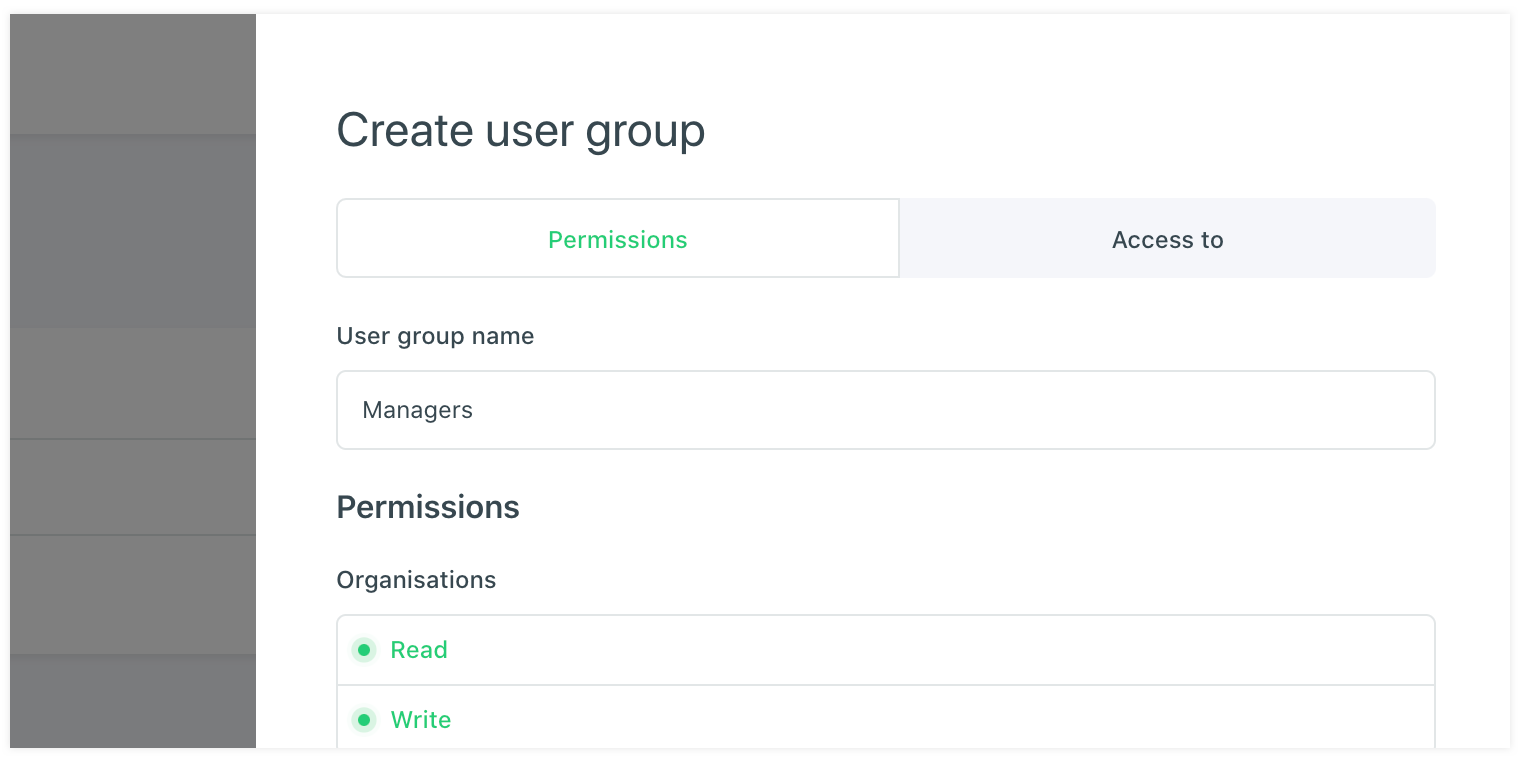
Besides the permissions that are need to be set to the user group for the modules in the platform it is also needed to assign assets where the users of the user group have access to. This can be setup under the assign assets tab. You can define the devices, datapoints and clients but also the dashboard the user has access to.